Salesforce Implementation Checklist for Complex Enterprises
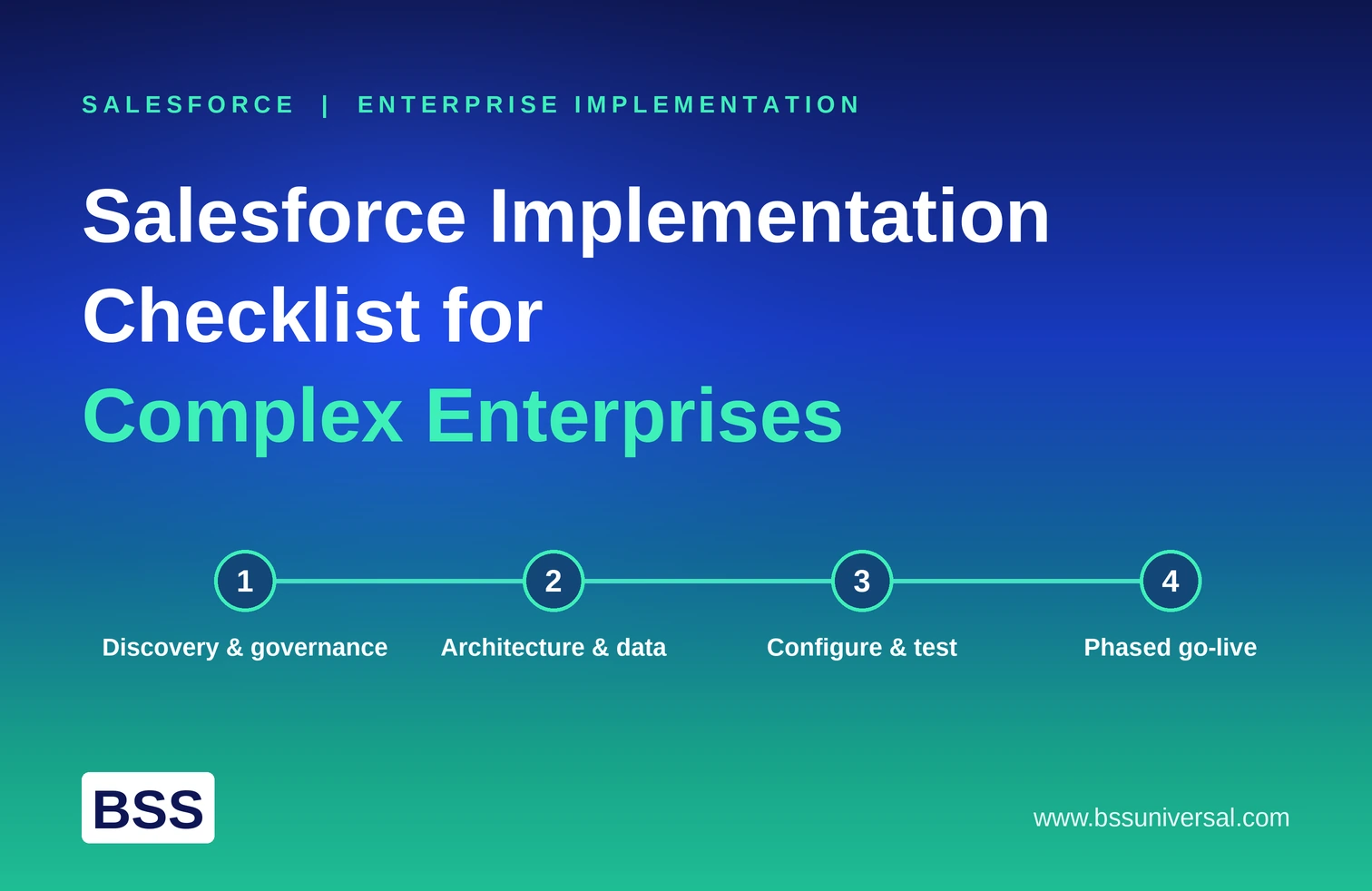
A Salesforce implementation checklist for complex enterprises covers four phases: discovery and governance, architecture and data readiness, configuration and testing, and a phased go-live with post-launch support. Enterprises that skip steps in the early phases, especially data readiness and security design, tend to see the highest cost overruns and lowest user adoption after launch.
This checklist is built for organizations with multiple business units, several Salesforce clouds in scope, legacy systems to integrate, and, increasingly, agentic AI capability such as Agentforce layered on top of core CRM functions. Smaller, single-cloud rollouts can move faster through some of these steps, but complex enterprises should not skip them.
Step 1: Establish Governance and Executive Sponsorship
Before any configuration work starts, a complex enterprise needs clear decision-making authority and a defined scope. Without this, mid-project scope changes become the norm rather than the exception.
- Name an executive sponsor with real decision rights, not a figurehead
- Form a steering committee that includes IT, Sales Operations, Customer Service, and security leads
- Define measurable KPIs tied to business outcomes, such as case resolution time or pipeline visibility, not just "go live on time"
- Set a clear Minimum Viable Product (MVP) scope for the first phase, with additional capability planned for later phases
- Assemble a cross-functional core team: project manager, Salesforce admin, business analyst, and super users from each affected department
How BSS Universal's Team Handles This: BSS assigns a dedicated client point of contact from day one who works directly with the client's executive sponsor and steering committee, so scope decisions get made once and documented, not renegotiated mid-project. This is the same discipline BSS applies when scoping agentic AI use cases, where clear decision rights on agent boundaries matter as much as they do on standard CRM scope.
Step 2: Map Current State and Future State Processes
Enterprises need a clear picture of how work happens today before designing how it should happen on Salesforce. This step prevents the common mistake of replicating a broken manual process inside a new system.
- Audit existing "as-is" workflows across sales, service, and marketing
- Identify manual, repetitive, or error-prone steps that Salesforce automation or agentic AI could handle
- Architect the "to-be" future state, including which tasks should be automated, which need human-in-the-loop review, and which stay fully manual
- Document dependencies between departments so process changes in one area do not break another
Step 3: Design the Data Model and Security Architecture
Data model and security architecture decisions made early are expensive to change later, so this step deserves as much attention as configuration itself.
- Design a scalable data model, including objects, relationships, and external IDs, before configuring any fields
- Apply the principle of least privilege across roles, profiles, permission sets, and sharing rules
- Document every planned integration (ERP, marketing automation, billing, Data 360) and define error-handling rules for each
- Set up separate sandboxes for development, testing, and staging, with version control for configuration changes
- For regulated industries such as life sciences, pharma, and healthcare, build in audit trails, consent tracking, and data lineage controls at this stage, not after go-live
How BSS Universal's Team Handles This: The Data 360 / Data Engineering team treats a unified, governed data model as a prerequisite for any agentic AI capability planned for later phases, since autonomous agents are only as reliable as the data they reason over. Security architecture and governance requirements are documented alongside the data model itself, so compliance is not a separate workstream bolted on at the end.
Step 4: Complete Data Migration and Cleansing
Legacy data quality is one of the most common sources of Salesforce implementation delays. This step should run in parallel with configuration, not after it.
- Audit existing databases, spreadsheets, and legacy CRM records to identify where customer data actually lives
- Cleanse data by removing duplicates, standardizing fields, and masking sensitive information
- Map data fields between legacy systems and the new Salesforce data model
- Run test migrations in a staging sandbox to validate record counts and field mapping before the real migration
- Define long-term data governance rules so data quality does not degrade again after launch
Step 5: Configure, Integrate, and Test
Configuration and testing should happen entirely in a sandbox environment, never directly in production.
- Build custom fields, page layouts, and automated workflows based on the data model and future-state process design
- Connect integrated systems, including email, marketing automation, ERP, and any AI or Data 360 components
- Run User Acceptance Testing (UAT) with actual end users, not just IT staff, to catch process gaps and usability issues
- Test automation, validation rules, and page layouts under realistic data volumes
- Conduct performance and load testing for high-volume integrations before scheduling go-live
- Finalize security permissions, profiles, and sharing rules based on UAT findings
Step 6: Plan Training and Change Management
User adoption depends more on training and change management than on configuration quality. Enterprises that treat this step as an afterthought consistently see low adoption in the weeks after launch.
- Build role-specific training materials for each user group, not a single generic session
- Run hands-on onboarding sessions before go-live, not just documentation handoffs
- Identify internal champions or super users in each department who can support peers after launch
- Communicate the "why" behind process changes, not just the "how," to reduce resistance
Step 7: Execute a Phased Go-Live
A single all-at-once cutover carries the highest risk for complex enterprises. A phased rollout, by cloud, business unit, or region, reduces that risk and gives teams a chance to validate each phase before the next begins.
- Sequence go-live by cloud or business unit rather than deploying everything simultaneously
- Set a clear cutover and rollback plan for each phase
- Schedule a dedicated hypercare period immediately after each go-live, with structured check-ins at day 7, day 14, and day 30
- Track adoption metrics from day one so friction points get addressed quickly, not discovered weeks later
How BSS Universal's Team Handles This: Where agentic AI capability is part of the rollout, BSS sequences agent deployment behind core Salesforce go-live, activating autonomous agents on a narrow set of use cases first with human-in-the-loop oversight before expanding scope. This mirrors the phased, checkpoint-based approach BSS uses for standard CRM rollouts, so clients never face a single large-risk deployment for either capability.
Step 8: Establish Continuous Improvement
Salesforce implementation does not end at go-live. Complex enterprises need a structured process for ongoing enhancement, or the platform slowly drifts back toward the manual workarounds it was meant to replace.
- Maintain an enhancement backlog and review it on a regular cadence
- Monitor adoption and usage metrics after the hypercare period ends
- Plan for periodic Salesforce release updates and re-test critical automations after major platform releases
- Revisit governance and security settings periodically, especially after adding new integrations or agentic AI use cases
[INTERNAL LINK: Salesforce platform overview]
[INTERNAL LINK: CRM and commercial excellence services]
Frequently Asked Questions
How long does a Salesforce implementation take for a complex enterprise?
Timelines vary by scope, but complex, multi-cloud enterprise implementations typically take several months when phased correctly, longer if legacy data quality issues or extensive integrations are involved. A single-cloud, well-scoped MVP phase can move faster than a full multi-cloud rollout.
What is the biggest risk in a Salesforce implementation checklist?
Skipping data model and security architecture design before configuration is one of the most common causes of expensive rework later. Underfunded training and change management is the second most common cause of failed adoption after go-live.
Should a complex enterprise do a phased rollout or a single go-live?
A phased rollout, sequenced by cloud or business unit, is generally lower risk for complex enterprises because each phase can be validated before the next begins. A single all-at-once cutover concentrates risk into one event with no checkpoint to catch issues early.
What is hypercare in a Salesforce implementation?
Hypercare is a defined support period immediately after go-live, typically with structured check-ins at day 7, day 14, and day 30, where the implementation team closely monitors adoption and resolves issues before they affect the broader rollout.
Does adding Agentforce or agentic AI change the implementation checklist?
Yes. Agentic AI adds steps for defining agent boundaries, human-in-the-loop escalation, and data readiness through a unified layer such as Data 360, and these should be sequenced behind core Salesforce configuration rather than deployed at the same time as a first release.
Who should be on the core team for a complex Salesforce implementation?
At minimum, a project manager, Salesforce admin, business analyst, and department super users, supported by an executive sponsor with real decision rights and a steering committee spanning IT, Sales Operations, Customer Service, and security.