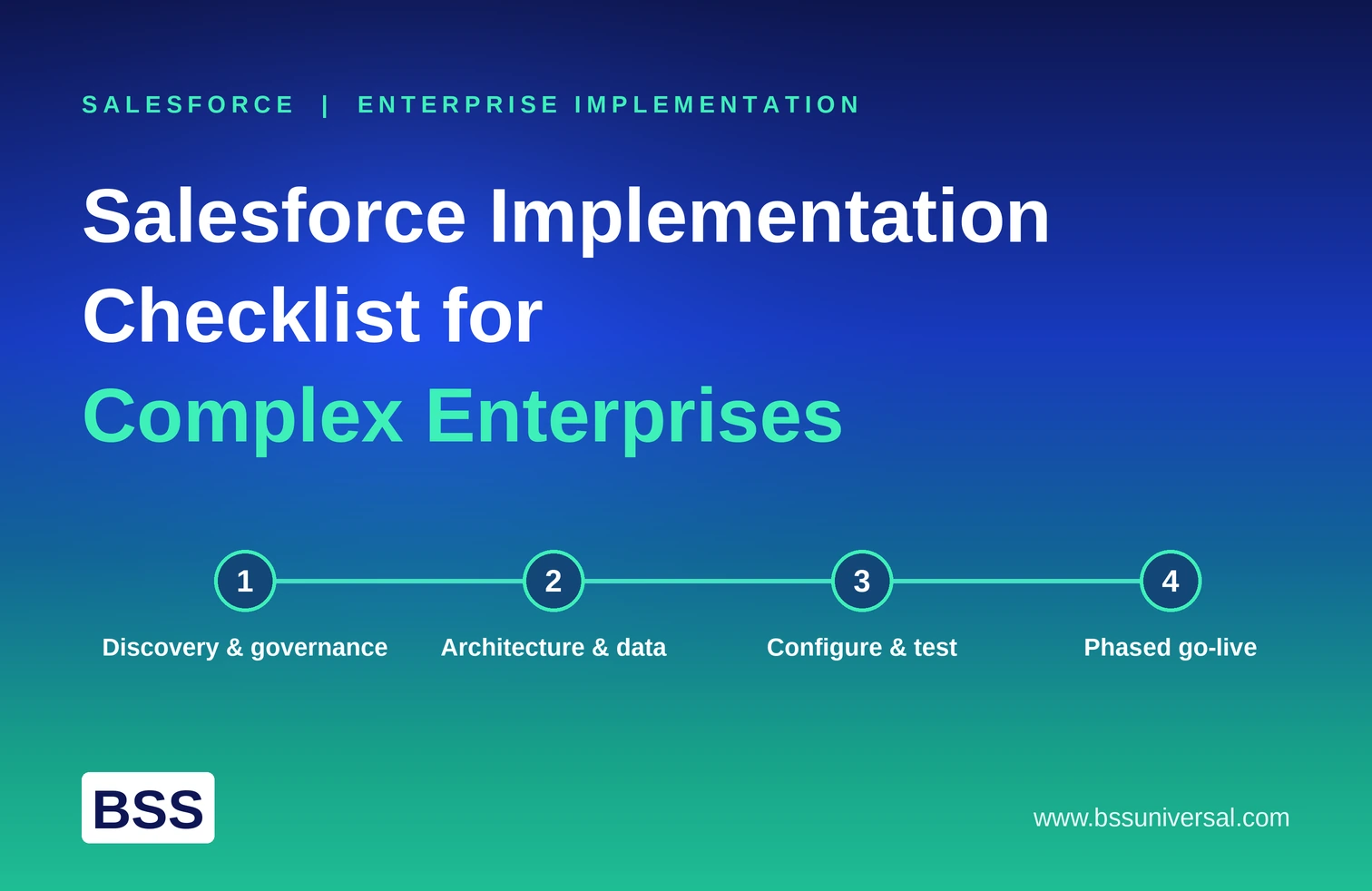
Salesforce Implementation: A Step-by-Step Enterprise Roadmap
A Salesforce implementation is the process of configuring the platform, migrating data, and training teams so Salesforce actually runs a business's sales, service, and marketing operations instead of sitting half-used. For an enterprise, that process typically takes 12 to 18 weeks, spread across six distinct phases from discovery through post-launch optimization.
This guide walks through each phase in order, what happens in it, who needs to be involved, and where most enterprise implementations actually go wrong.
What Is a Salesforce Implementation, and How Long Does It Take?
A Salesforce implementation covers everything between "we bought Salesforce licenses" and "our teams run their daily work inside Salesforce." That includes designing the data model, configuring automation, migrating legacy data, testing, training users, and going live.
For a single-cloud enterprise deployment, such as Sales Cloud on its own, 12 to 18 weeks is a realistic range. Timelines extend when a business deploys multiple clouds at once, migrates from a complex legacy CRM, requires deep ERP or finance integrations, or plans to roll out Agentforce agents alongside the core CRM build.
Three factors drive most of the variance in timeline: how clean the existing data is before migration starts, how many third-party systems need integration, and how much custom automation versus standard configuration the business actually needs. Businesses that assume implementation is just "turning the software on" consistently underestimate all three.
Phase 1: Discovery and Alignment (Weeks 1 to 2)
Discovery sets the direction for the entire project, and rushing it is the single most common cause of scope creep later on.
- Form a cross-functional implementation team that includes an executive sponsor, business leads from each affected department, and technical architects, not just IT.
- Audit current-state workflows across sales, service, and marketing to document pain points, manual handoffs, and where data currently lives.
- Build a prioritized requirements register that ties every requested feature to a measurable business outcome, so the project has a way to say no to scope that doesn't earn its place.
- Define what success looks like in concrete terms, such as reduced case resolution time or faster quote-to-cash cycles, before any configuration work begins.
Phase 2: Architecture and Data Design (Weeks 3 to 4)
This phase decides the technical shape of the entire system, and mistakes made here are expensive to unwind after go-live.
- Design the logical data model, including custom objects, fields, and record types, based on the requirements register from discovery.
- Establish the security, sharing, and role hierarchy matrix so the right people see the right data from day one, which matters most in regulated industries like finance and healthcare.
- Map out third-party integrations, such as ERP, marketing automation, or finance platforms, and decide which ones are in scope for this phase versus a later one.
- If the business plans to use Agentforce or predictive AI features, define the data quality and governance requirements those features will need, since AI agents are only as reliable as the data they can see.
This is also where BSS Universal's Data 360 / Data Engineering function typically gets involved for clients planning agentic AI adoption, since unified, governed data has to be designed in at the architecture stage, not retrofitted after the build is already underway.
Phase 3: Iterative Build and Configuration (Weeks 5 to 10)
The build phase turns the architecture into a working system, ideally through short sprint cycles rather than one long build with no checkpoints.
- Configure core platform layouts, user profiles, and permission sets based on the security matrix from Phase 2.
- Develop custom automation using Salesforce Flows for standard logic or Apex triggers for more complex, code-level requirements.
- Run regular sprint demos with business stakeholders so issues surface in week 6, not week 12.
- Build out any Agentforce agents or AI-driven workflows in this phase as well, with clearly defined boundaries for what the agent can do autonomously versus where it hands off to a human.
Businesses often assume configuration is purely a technical task. In practice, the sprint demos in this phase are where user adoption either starts building or starts eroding, depending on whether the system reflects how teams actually work.
Phase 4: Testing and Data Migration (Weeks 10 to 12)
Testing and migration overlap deliberately, since migrated data needs to be tested inside the new system, not validated separately from it.
- Clean, de-duplicate, and map legacy data into the new Salesforce data model before migration, since bad data carried into a new system just becomes bad data with a nicer interface.
- Run technical quality assurance to confirm automations, integrations, and permissions behave as designed.
- Run business user acceptance testing (UAT), where actual end users, not just the project team, work through real scenarios in the new system.
- Fix identified bugs and re-validate security permissions under realistic conditions, including edge cases the original requirements may have missed.
Phase 5: Training and Go-Live (Weeks 13 to 14)
Go-live is the highest-risk moment in the entire project, and change management, not technical readiness, is usually the deciding factor in whether it succeeds.
- Deliver role-based training, not generic training, since a sales rep and a support agent need to learn different parts of the same system.
- Communicate the go-live plan clearly to every affected team, including what changes on day one and what support is available if something breaks.
- Execute the final production data cutover and formally switch off legacy systems, ideally during a low-traffic period.
- Launch hyper-care support immediately after go-live, meaning a dedicated team fielding urgent issues in real time for the first one to two weeks, rather than routing everything through a standard support queue.
Change management here means more than a training session. It means giving teams a reason to trust the new system, which requires leadership visibly using it and addressing early friction fast, before workarounds become habits.
Phase 6: Post-Launch Optimization and Agentic Expansion (Weeks 15 and Beyond)
Implementation does not end at go-live. The weeks immediately after launch determine whether early momentum turns into long-term adoption or quietly fades.
- Monitor adoption rates and system performance metrics weekly for at least the first month, not just at a 90-day review.
- Gather end-user feedback directly and prioritize fast, visible fixes over a long backlog of minor requests.
- Plan a Phase 2 roadmap for feature expansion, additional automation, or deeper Agentforce agent deployment once the core system is stable and trusted.
- Reassess data quality and governance controls periodically, since data drifts over time even in a well-designed system.
This is typically where BSS Universal's engagement shifts from implementation to ongoing agent expansion. Clients who launch with a clean, well-adopted core system are in a far stronger position to layer in additional autonomous agents safely than clients trying to fix adoption problems and add AI at the same time.
How BSS Universal's Team Handles This
Most implementation guides treat every phase as equally important. BSS Universal's Agent Architecture and Use Case Design team treats Phase 2 and Phase 6 as the highest-leverage points in the entire roadmap, because that is where data governance decisions and agent boundary decisions actually get made.
Our Human-in-the-Loop & Escalation Design function documents, before a single agent goes live, exactly which tasks an autonomous agent can fully own and which ones require a person to approve before anything happens. Responsible AI & Governance defines audit trails and escalation thresholds at the same time, so clients in regulated industries like life sciences and healthcare are not retrofitting compliance controls after an agent is already handling live customer or patient interactions. That sequencing, governance before deployment rather than after, is the difference between an implementation that scales safely and one that creates risk nobody planned for.
Choosing a Salesforce Implementation Partner
Not every business needs an external implementation partner, but most enterprises benefit from one, particularly for multi-cloud or agentic deployments.
- Check for relevant certifications, such as Salesforce Certified Application Architect or Certified Technical Architect, not just general admin certifications.
- Ask about industry experience specifically, since a partner who has implemented Salesforce for a regulated healthcare organization will design security and compliance controls differently than one who has only worked with retail clients.
- Confirm who owns post-launch support, since some partners hand off entirely at go-live while others, like BSS Universal, stay engaged through hyper-care and into Phase 2 optimization.
- Ask directly about AI and Agentforce experience, since implementing a standard CRM and implementing one designed for agentic AI from day one require different architecture decisions early in the project.
A partner's real value shows up in Phase 2 and Phase 6, the architecture decisions and the post-launch decisions, more than in the configuration work itself, which is increasingly standardized across the industry.
Common Risks That Delay or Derail Salesforce Implementations
Most delayed or failed implementations trace back to a small number of repeatable causes.
- Scope creep from an undefined requirements register. Without Phase 1's prioritization step, every stakeholder request gets treated as equally urgent, and timelines slip.
- Migrating dirty data without cleaning it first. This creates automation and reporting nobody trusts, regardless of how well the rest of the system is built.
- Skipping real user acceptance testing. Technical QA alone misses the workflow gaps that only surface when actual end users try to do their jobs in the new system.
- Treating training as a one-time event. Adoption depends on ongoing reinforcement in the weeks after go-live, not a single training session before launch.
- Adding AI agents before the data and governance foundation is ready. Agentforce agents built on ungoverned or inconsistent data create more risk than value, particularly in regulated industries.
Frequently Asked Questions
What is a Salesforce implementation?
A Salesforce implementation is the full process of configuring Salesforce to match a business's workflows, migrating existing data into it, and training teams to use it, moving a company from manual tools or a legacy CRM into a unified system for sales, service, and data.
How long does a Salesforce implementation take?
A typical enterprise implementation for a single cloud takes 12 to 18 weeks. Multi-cloud deployments, complex legacy data migrations, or projects that include Agentforce agent rollout usually extend beyond that range.
What are the phases of a Salesforce implementation?
The standard phases are discovery and alignment, architecture and data design, iterative build and configuration, testing and data migration, training and go-live, and post-launch optimization. Each phase feeds directly into the next, so skipping steps in early phases tends to create rework later.
Do I need a Salesforce implementation partner?
Most enterprises benefit from a partner, especially for multi-cloud deployments, complex integrations, or Agentforce and agentic AI rollouts, since those require architecture decisions that go beyond standard configuration work. Smaller, single-cloud deployments with simple requirements can sometimes be handled by an experienced in-house administrator.
What is change management in a Salesforce implementation?
Change management is the set of activities that help end users actually adopt the new system, including role-based training, clear communication before go-live, and hyper-care support immediately after launch. It is usually the deciding factor in whether an implementation succeeds, more than the technical build itself.
Is Salesforce still relevant in 2026?
Yes. Salesforce remains the leading CRM platform by market share and continues expanding through Data Cloud and Agentforce, its native AI agent capability. Its relevance in 2026 increasingly depends on how well a business implements and governs the AI layer, not just the core CRM functionality.
Is Salesforce a CRM or something like SAP?
Salesforce is a customer relationship management (CRM) platform focused on sales, service, and marketing data. SAP is primarily an enterprise resource planning (ERP) platform focused on finance, supply chain, and operations. Many enterprises run both, integrated together, rather than choosing one over the other.

.png)