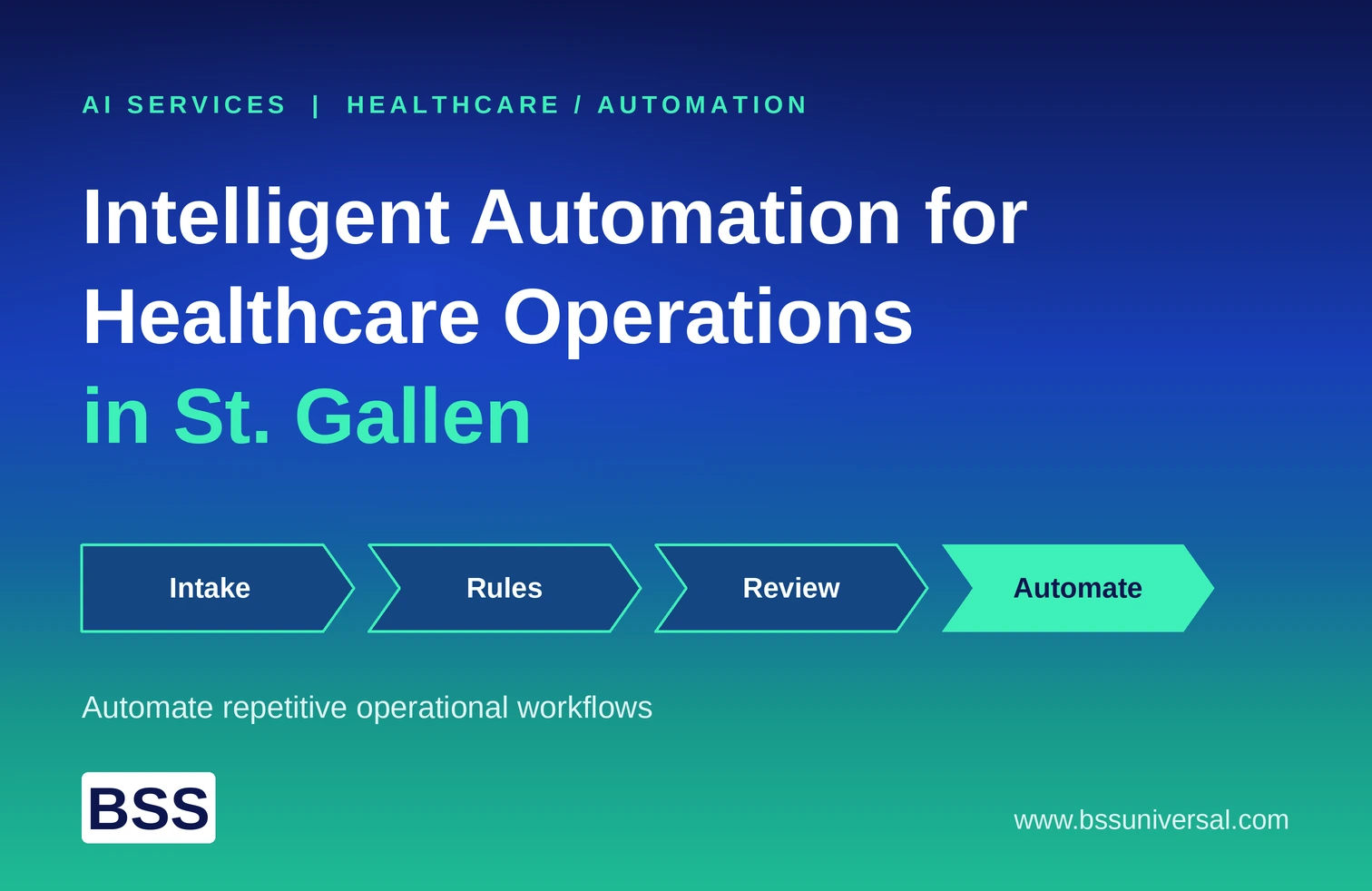
Intelligent Automation for Healthcare Operations in St. Gallen
Intelligent automation for healthcare operations means using software robots, document AI, and generative AI to handle repetitive administrative work, so staff spend more time on patients. For hospitals, clinics, and care providers in St. Gallen and eastern Switzerland, the best results come from fixing specific workflows such as admissions, billing checks, and correspondence, not from buying a tool first. BSS Universal's AI Services and Custom Development teams help healthcare organizations automate repetitive operational workflows by designing the process, the human review points, and the safeguards together.
This guide explains which workflows to automate first, how to decide between automation patterns, and how to run a phased program that protects patient data.
What Intelligent Automation Means for Healthcare Operations
Intelligent automation combines robotic process automation (RPA) with AI, so software can handle both rule-based steps and unstructured information. AWS describes RPA as software that automates repetitive, rule-based back-office tasks, and intelligent automation as RPA made smarter with technologies such as natural language processing (NLP), generative AI, and optical character recognition (OCR).
In a healthcare setting, the main building blocks are:
- RPA: Software robots that copy data between systems, fill forms, and run checks
- Document AI and OCR: Reading referral letters, invoices, and scanned forms
- NLP and generative AI: Understanding free text, summarizing, and drafting replies
- Workflow orchestration: Routing work, approvals, and exceptions to the right person
- Custom applications and integrations: Small purpose-built tools and APIs where no standard option fits
Good design uses the simplest tool that solves each step. A rule-based step needs RPA or an integration, not an AI model.
Why St. Gallen Healthcare Teams Are Automating Operations Now
St. Gallen healthcare teams are automating operations because administrative load keeps growing while skilled staff stay scarce. Hospitals, clinics, and care homes in eastern Switzerland often run several systems that do not talk to each other. Staff fill the gaps by retyping data.
Three pressures stand out:
- Media breaks between systems: Information moves from email to the hospital information system (HIS) to ERP by hand, which invites errors.
- Staff shortages: Administrative tasks compete with patient work for the same people.
- Cost and billing pressure: Missing or wrong data leads to rejected claims and rework.
These pressures make operations a practical place to start, because the work is repetitive and the rules are clear.
Which Healthcare Operations Workflows to Automate First
The best first workflows are high-volume, rule-heavy, and low in clinical risk. Administrative and operational tasks fit this profile. Clinical decision support needs a separate, stricter approach and is outside the scope of this article.
Patient Admission and Referral Intake
Admission teams often read referral letters and type the details into the HIS. Document AI can extract patient and referrer details, and RPA or an integration can create the case. A staff member reviews anything the system is unsure about.
Key design points:
- Confidence thresholds, so low-confidence fields go to a person
- Clear matching rules for existing patient records
- A full log of what the automation read and wrote
Insurance Coverage Checks and Billing Preparation
Coverage verification and billing preparation follow fixed rules and repeat many times a day. Automation can run the check, record the result, and flag cases with missing data before billing. This reduces rejections caused by simple data errors.
Key design points:
- Rules that match current tariff and insurer requirements
- A scheduled review of those rules, because they change
- A queue for exceptions with an owner
Invoice and Document Processing
Accounts payable and receivable involve many documents in many formats. AI can read invoices, suggest cost-center postings from past patterns, and pass clean items to the ERP. People handle exceptions and approvals.
Discharge Letters and Correspondence
Discharge letters must reach the right referring doctor, in the right format, at the right time. Automation can match recipients, assemble the letter and attachments, send it, and record delivery. Staff review cases where a recipient is unclear.
Scheduling, Requests, and Internal Services
Internal requests for supplies, IT access, or room changes follow repeating steps. A workflow tool can intake the request, route approvals, and update the systems involved. This frees coordinators from chasing emails.
How to Choose What to Automate
A workflow is a good automation candidate when it is frequent, rule-based, and expensive to get wrong by hand. The most useful test combines business value with risk. Teams should score each candidate before building anything.
Key selection criteria:
- Volume and frequency: How often does the task run?
- Rule clarity: Can the steps be written down without "it depends"?
- Data type: Is the input structured, or does it need document AI?
- Error cost: What happens if the automation is wrong?
- System access: Is there an API, or only a screen?
- Data sensitivity: Does the task touch patient data?
- Owner and sponsor: Does someone in the business own the process?
Then sort each workflow into one of three groups: fully automated, automated with human review, or left manual. Many healthcare workflows belong in the middle group.
Choosing an Automation Pattern: Non-Invasive, Integrated, or Custom
Three patterns cover most healthcare operations needs, and each suits different systems and risk levels. A good partner recommends the pattern that fits, not the one it sells.
- Non-invasive automation (RPA on the screen): Robots work through the same screens staff use. This avoids changes to the HIS or ERP and is fast to start. It can break when screens change.
- API and integration-based automation: Systems exchange data through supported interfaces. This is more stable, but needs vendor support and change control.
- Custom applications: Small purpose-built tools fill gaps, such as an exception queue or a review screen. They suit steps that no standard product covers.
Many programs combine all three. For example, document AI reads a letter, an integration creates the case, and a small custom screen lets staff review uncertain fields.
Human-in-the-Loop Design and Governance
Human-in-the-loop design means deciding in advance which steps the automation may complete alone and which need a person. In healthcare operations, this protects patients, staff, and the organization. It also builds trust, because staff can see and correct what the system does.
Key design points:
- Define what each automation may do, and what it must never do
- Set confidence thresholds and escalation rules
- Keep an audit log of inputs, decisions, and outputs
- Name an owner for each automation, with a monitoring routine
- Test with real users before wide release
How BSS Universal's Team Handles This
BSS Universal's Automation, Integration and Orchestration team starts by mapping a workflow step by step with the people who run it. The Human-in-the-Loop and Escalation Design function then sets which steps are automated, which need review, and what triggers a hand-off. The Responsible AI and Governance function defines logging, access, and monitoring before launch. The team releases one workflow at a time, so staff can see results and give feedback before scope grows. Progress is reported in plain language, so operations and IT leaders can decide the next step together.
Privacy, Compliance, and Safety in Switzerland
Compliance for healthcare automation means protecting patient data and keeping records that show what the automation did. The healthcare organization remains responsible for how its own solution is configured and used. Teams should confirm each requirement with their legal, compliance, and data protection functions.
Key areas to cover:
- Data protection: The revised Swiss Federal Act on Data Protection (FADP) governs personal data, and health data counts as sensitive. Cantonal rules may add requirements for public institutions.
- Professional secrecy: Healthcare staff have secrecy duties, so access and vendor roles need careful design.
- Data location and AI models: Decide whether patient data may reach external AI services. Some organizations prefer private or locally hosted models for sensitive tasks.
- Scope boundary: AI that supports clinical decisions may fall under medical device rules. Keep operational automation separate and check any borderline case with regulatory experts.
- Security: ISO 27001 is a recognized standard for information security management. BSS Universal's delivery is ISO 27001 certified.
- Auditability: Keep logs that show inputs, outputs, and changes.
This article is general information and not legal advice.
A Phased Approach to Healthcare Automation
A phased program proves value early and limits risk. BSS Universal approaches healthcare automation in these steps:
- Governance and sponsorship: Name an executive sponsor and process owners, and agree on goals and a small first release
- Process discovery: Map how each candidate workflow runs today, including exceptions
- Scoring and design: Score candidates, choose the automation pattern, and design review points and security
- Build and test: Build in a test environment, and test with real staff and real edge cases
- Training and change management: Explain what changes for each role, in the languages teams use
- Pilot, then scale: Launch one workflow or one unit, review results, then expand
- Monitor and improve: Track exceptions, accuracy, and rule changes, and keep an improvement backlog
What Healthcare Automation Costs
The cost of healthcare automation depends on the number of workflows, system access, document variety, security needs, and support model. A single workflow costs far less than an enterprise program. Budget should cover more than build time.
Main cost drivers:
- Discovery and process design
- Build and integration: Including custom screens where needed
- AI and platform costs: Licences, usage, and hosting
- Testing and security review
- Training and change management
- Support and maintenance: Rules and screens change over time
Fund discovery and a pilot first, then expand once results are clear.
How to Choose an Automation Partner in St. Gallen
The right partner combines healthcare process knowledge, engineering skill, and a careful approach to data and review. Buyers should test how a partner handles exceptions, privacy, and maintenance.
Evaluate partners on these points:
- Healthcare process experience: Does the team understand admissions, billing, and clinical-adjacent workflows?
- Engineering depth: Can the team build custom pieces, not only configure tools?
- Pattern honesty: Will the partner recommend RPA, integration, or custom work based on fit?
- Privacy design: Are data location, access, and logging part of the standard approach?
- Governance method: Are human review and escalation designed from the start?
- Security credentials: Does the partner hold certifications such as ISO 27001?
- Language and local support: How will German and English needs and working hours be handled?
- Maintenance: Who updates automations when screens or rules change?
BSS Universal serves clients across the US, MENA, and GCC regions from offices in Arlington Heights, Riyadh, and Dubai, with a delivery center in Lahore. St. Gallen buyers should ask any partner, including BSS Universal, how local engagement and language support will work for their program.
Common Risks and How to Avoid Them
The most common risks are automating a broken process, skipping exception handling, and neglecting maintenance. Each is avoidable with early planning.
- Automating a bad process: Fix the process first, then automate it.
- No exception path: Every automation needs a queue and an owner for cases it cannot handle.
- Fragile screen automation: Plan for screen changes, and monitor failures.
- Rules that drift: Review billing and coverage rules on a schedule.
- Privacy gaps: Decide where patient data may go before choosing AI tools.
- No ownership: Name a business owner for every automation.
- Big-bang launch: Start with one workflow and scale after it works.
Getting Started
The best way to start is a short discovery phase that lists candidate workflows and scores them for value and risk. This produces a clear plan before major spending.
A practical first set of actions:
- Name an executive sponsor and a process owner
- List ten repetitive workflows that cost staff the most time
- Score each for volume, rule clarity, data type, and risk
- Pick one low-risk workflow for a pilot
- Decide data location, review points, and logging needs
- Agree on how you will measure the result
To plan your automation roadmap with a team that focuses on process automation and operational efficiency, talk to a BSS Universal AI Services consultant and share your goals.
Frequently Asked Questions
What is intelligent automation in healthcare?
Intelligent automation in healthcare combines RPA with AI such as document reading and generative AI. It handles repetitive administrative work, such as admissions, billing checks, and correspondence, while staff review exceptions.
What is the difference between RPA and intelligent automation?
RPA follows fixed rules to automate repetitive tasks. Intelligent automation adds AI, so the software can also handle unstructured data such as letters and scanned forms.
Which healthcare workflows should we automate first?
Start with high-volume, rule-based, low-risk tasks, such as referral intake, coverage checks, invoice handling, and discharge letter dispatch. Avoid starting with clinical decision support.
Is intelligent automation safe for patient data?
It can be, if the design controls access, logs every action, and decides where data may be processed. Some organizations use private or locally hosted AI models for sensitive tasks. Confirm requirements with your data protection team.
Does automation require changes to our HIS or ERP?
Not always. Non-invasive RPA works through existing screens, while integration-based automation uses supported interfaces. The right choice depends on stability, vendor support, and risk.
How long does a healthcare automation project take?
Timelines depend on workflow complexity, system access, and approvals. A focused pilot shows results sooner than a broad program. A phased plan with checkpoints gives the best view of progress.
Will automation replace administrative staff?
The aim is to remove repetitive work so staff can focus on tasks that need judgment and patient contact. Human review stays in place for exceptions and important decisions.