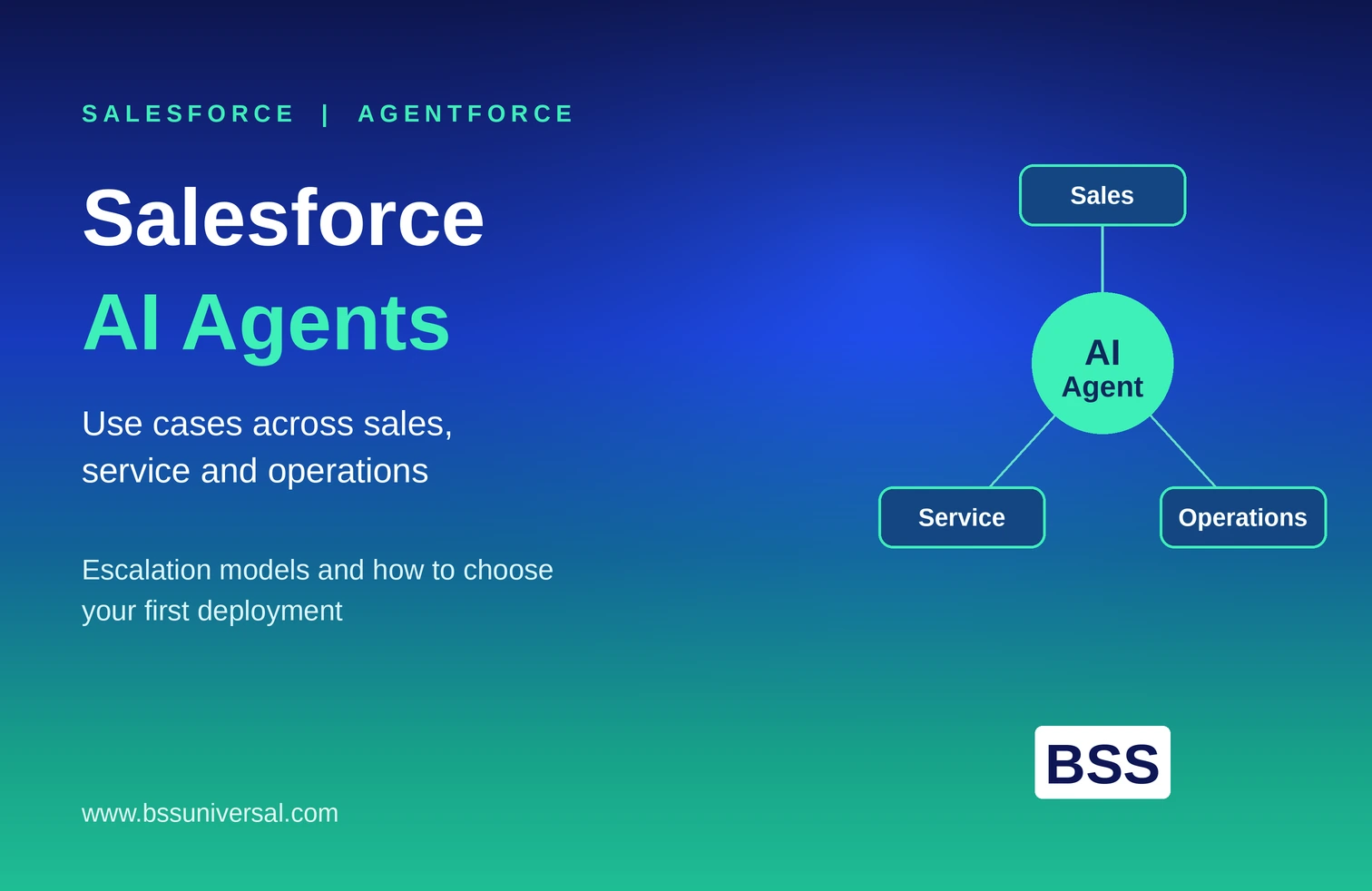
Salesforce Agent Builder: How to Design Custom AI Agents
Salesforce Agent Builder is the low-code interface inside Agentforce where teams configure custom AI agents by defining topics, actions, and instructions that control what an agent can do and when. Building an agent that works well in Agent Builder's interface is only the first step. Designing an agent that works well in a live enterprise environment, with clear roles, safe boundaries, and predictable behavior, takes a more deliberate approach than clicking through the setup screens.
This article walks through what Agent Builder does, how custom agent roles and boundaries should be defined, and where teams typically get custom agent design wrong.
What Salesforce Agent Builder Does
Agent Builder is the configuration tool inside Agentforce Studio where a team creates, edits, and tests a custom AI agent before deploying it to a live channel.
Inside Agent Builder, a team typically works with:
- Topics. A topic is a defined area of responsibility for the agent, such as "order status inquiries" or "case escalation." Topics keep an agent focused on a specific set of related tasks instead of trying to handle everything at once.
- Actions. An action is a specific task the agent can execute, built on Salesforce assets such as Flows, Apex classes, MuleSoft integrations, or prompt templates. Actions are what allow an agent to actually do something, such as create a record, look up an order, or trigger a workflow, rather than just generate text.
- Instructions. Instructions are the natural language guidance that tells the agent's reasoning engine when and how to use a given action or topic. Clear instructions are what separate a reliable agent from an unpredictable one.
- Agent user and permissions. Every custom agent runs under a dedicated agent user with its own license and permission set, which determines exactly which records and objects the agent can see and touch.
Agent Builder makes it possible to assemble these pieces without writing extensive code, but the tool itself does not decide what a good agent role looks like or where the boundaries should sit. That design work happens before configuration starts, not during it.
Defining Agent Roles Before Opening Agent Builder
An agent role is a clear, written statement of what the agent is responsible for, who it serves, and what "done" looks like for each task it performs. Skipping this step is the most common reason custom agents underperform after launch.
A well-defined agent role answers:
- Who does this agent serve? Internal employees, external customers, partners, or a mix, since this changes tone, escalation sensitivity, and data access needs.
- What business outcome is the agent responsible for? For example, reducing time-to-first-response on service cases, rather than a vague goal like "helping with support."
- What tasks are explicitly out of scope? A role definition is as much about what the agent should not attempt as what it should.
- What tone and voice should the agent use? Especially relevant for customer-facing agents representing a regulated business, such as a life sciences or healthcare organization.
Once the role is defined, it maps directly into Agent Builder's structure. Each responsibility becomes a topic. Each task within that responsibility becomes an action. The instructions layer explains, in plain language, exactly when the agent should use each one.
Skipping this step and building topics and actions directly from a template often produces an agent that is technically functional but does not match how the business actually wants that role performed.
How BSS Universal's Team Handles This
BSS Universal's Agent Architecture & Use Case Design team writes a one-page role definition for every custom agent before any Agent Builder configuration begins, reviewed and signed off by the business owner, not just the Salesforce admin. This document becomes the source of truth for every topic, action, and instruction built afterward, which keeps the technical build aligned with what the business actually asked for.
Setting Agent Boundaries: What the Agent Can and Cannot Do
Agent boundaries are the explicit limits placed on a custom agent's actions, data access, and autonomy, and they need to be defined at three levels: what data the agent can see, what actions it can take, and how much it can do without human approval.
Data boundaries
- Assign the agent user the minimum permission set required for its role, following the same least-privilege principle applied to human users.
- Restrict field-level and object-level access so the agent cannot view or edit sensitive fields unrelated to its defined topics.
- For regulated industries, confirm the agent's data access aligns with existing consent and privacy rules before granting any permission.
Action boundaries
- Only build actions for tasks that fall inside the agent's written role. Adding "just in case" actions during configuration is how scope creep happens.
- Give every action clear, specific instructions so the reasoning engine does not misapply an action to a situation it was not designed for.
- Test each action independently before combining them, so a failure in one action does not silently affect another.
Autonomy boundaries
- Decide, for each action, whether the agent can execute it independently or must draft it for human approval first.
- Set confidence thresholds where relevant, so the agent escalates uncertain cases rather than guessing.
- Build in automatic escalation triggers for high-sensitivity situations, such as complaints, legal requests, or anything involving regulated data, regardless of the agent's confidence level.
Boundaries are not a one-time setup task. As an agent proves reliable in production, some boundaries can be relaxed. If error patterns appear, boundaries should tighten, not stay fixed by default.
How BSS Universal's Team Handles This
BSS Universal's Custom Agent Development and Responsible AI & Governance teams jointly review every agent's data, action, and autonomy boundaries before go-live, using a shared checklist rather than relying on individual judgment. Boundary settings are revisited on a set schedule after launch, based on actual escalation and override data rather than assumptions made during the original build.
Building Topics and Actions That Match the Role
Once roles and boundaries are set, the actual configuration work in Agent Builder should translate that design directly into topics, actions, and instructions.
Practical steps for this stage:
- Create one topic per major responsibility, not one topic per individual task. Topics that are too narrow make the agent harder to maintain; topics that are too broad make its behavior harder to predict.
- Build actions using existing Salesforce assets where possible. Flows and Apex classes already in use elsewhere in the org reduce duplicate logic and keep behavior consistent with how the business already operates.
- Write instructions in plain, specific language. Vague instructions such as "help the customer with their order" produce inconsistent behavior. Specific instructions, such as "look up the order using the order number if provided, otherwise ask for it before proceeding," give the reasoning engine a clear decision path.
- Assign error and fallback messaging deliberately. What the agent says when it cannot complete a task is as important as what it says when it succeeds, since a vague failure message erodes user trust quickly.
- Connect actions to the correct agent user and permission set, confirming access matches the boundaries defined earlier rather than defaulting to broader access for convenience during testing.
This is also where custom agent development goes beyond Agent Builder's native capabilities. Complex logic, integrations with systems outside Salesforce, or highly specific business rules often require custom Apex development or middleware connections rather than relying solely on out-of-the-box actions.
Testing and Deploying a Custom Agent
Testing a custom agent means verifying not just that each action works, but that the agent applies the right action in realistic, sometimes ambiguous, real-world conversations before it reaches customers or employees.
Effective testing includes:
- Scenario-based conversation testing, using realistic phrasing rather than only clean, ideal test inputs, since real users rarely phrase requests exactly as expected.
- Reviewing the agent's reasoning path, using the interaction summary and event logs available in Agentforce, to confirm the agent chose the correct topic and action, not just that it produced an acceptable-looking response.
- Edge case and boundary testing, deliberately trying to push the agent outside its intended scope to confirm it declines or escalates correctly rather than attempting an unauthorized action.
- A staged rollout, starting with a small internal group or a limited customer segment before opening the agent to full volume, so issues surface at manageable scale.
Deployment should also include a plan for what happens after launch. Escalation volume, override rates, and user feedback should be reviewed on a set cadence, since a custom agent's real performance only becomes clear once it is handling live, unpredictable requests.
How BSS Universal's Team Handles This
BSS Universal runs every custom agent through structured scenario testing, including deliberate boundary-pushing tests, before any client sign-off on deployment. After launch, the team reviews escalation and override data on a fixed cadence and adjusts instructions, thresholds, or scope based on what actually happens in production, rather than treating the initial build as final.
Getting Custom Agent Design Right From the Start
Agent Builder gives teams the tools to assemble a custom AI agent quickly, but the quality of that agent depends entirely on the design decisions made before configuration begins. A clear written role, explicit data and action boundaries, and instructions that reflect real business logic matter more than how quickly an agent can be built.
Businesses considering a custom Salesforce agent should treat the role definition and boundary design as the real project, with Agent Builder configuration as the execution step that follows.
Frequently Asked Questions
What is the difference between a topic and an action in Salesforce Agent Builder?
A topic defines a broad area of responsibility for the agent, such as case management or order inquiries. An action is a specific task within that topic, such as looking up an order or updating a case status, built on assets like Flows, Apex classes, or prompt templates.
Do I need to write code to build a custom agent in Agent Builder?
Agent Builder is designed as a low-code tool, so many agents can be built using existing Flows and pre-built actions without custom code. More complex logic, custom integrations, or highly specific business rules often still require custom Apex development.
How do I decide what an agent should not be allowed to do?
Start from the agent's written role definition, then list every task, data field, and action outside that role. Sensitive actions, such as anything involving payments, legal matters, or regulated data, should default to human approval unless there is a clear, tested reason to automate them.
How long does it take to design and deploy a custom Salesforce agent?
Timelines vary based on the complexity of the role, the number of actions required, and how much custom development is needed beyond Agent Builder's native capabilities. Simple, single-topic agents with existing Flows move faster than agents requiring new integrations or highly specific compliance controls.
What happens if a custom agent takes an incorrect action?
A well-designed agent should have boundaries and confidence thresholds that catch most incorrect actions before they happen, escalating uncertain situations to a human instead. Every action should also be logged, so any incorrect action can be reviewed, explained, and corrected quickly.