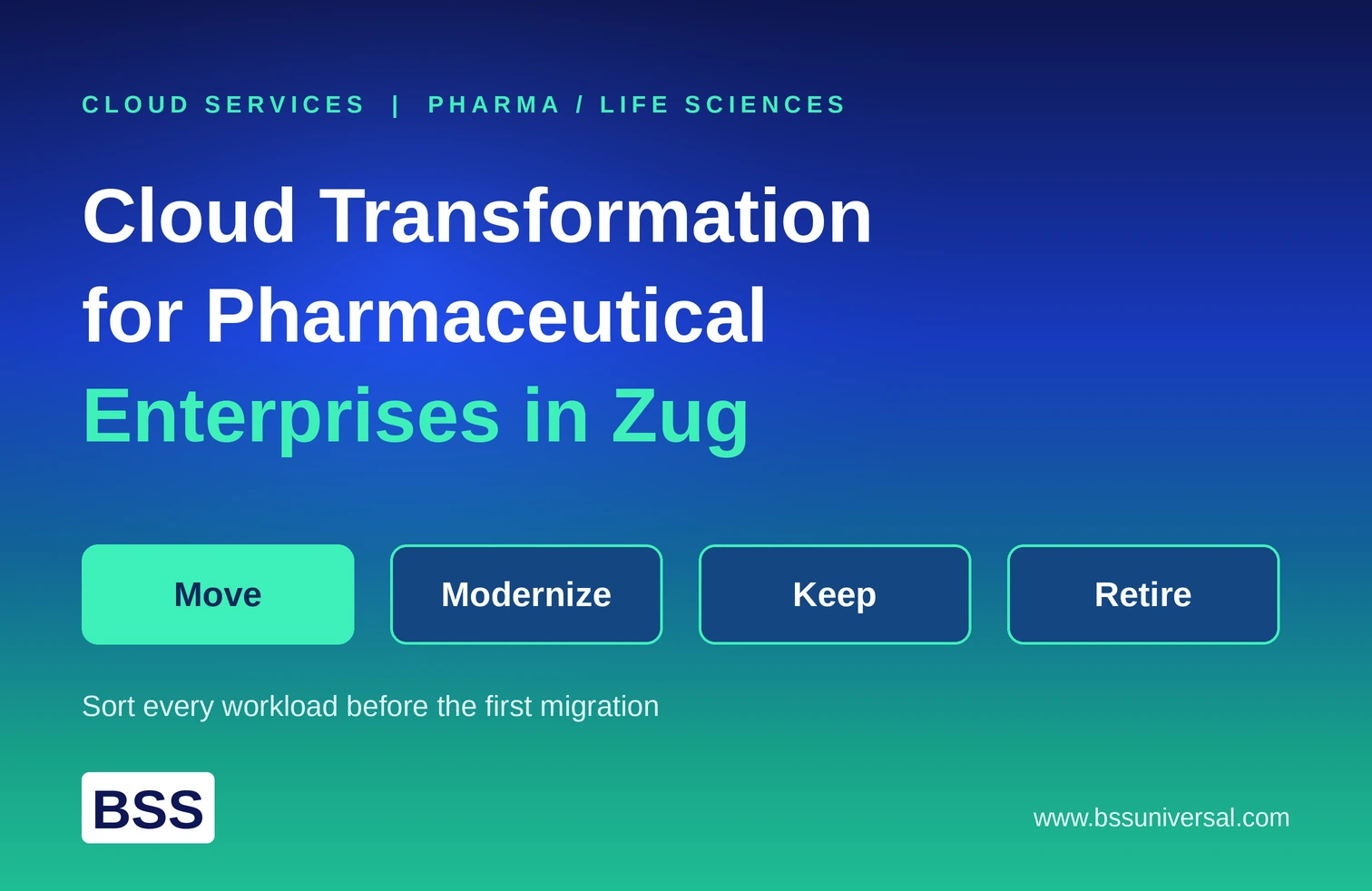
Cloud Migration Strategy: How Enterprises Move from Legacy to Cloud
A cloud migration strategy is a documented plan for moving applications, data, and infrastructure from on-premises systems to the cloud. It defines which workloads move, in what order, and which migration approach fits each one, so the transition doesn't create more risk than it removes. Enterprises exploring this often start with cloud migration services before committing to a full roadmap.
This guide explains the main migration approaches enterprises use, rehosting, refactoring, and rearchitecting, and how to build a migration roadmap that moves legacy systems to the cloud without disrupting the business, drawing on cloud migration services and broader planning support along the way.
What Is a Cloud Migration Strategy?
A cloud migration strategy is the roadmap an enterprise follows to move its IT infrastructure from on-premises data centers to the cloud. It covers business goals, workload priorities, risk mitigation, and the specific migration approach used for each application. This groundwork often overlaps with cloud architecture design best practices, since the two decisions shape each other.
A good strategy answers three questions before any migration begins:
QuestionWhy It MattersWhich workloads move first?Sequencing by risk avoids disrupting critical systems earlyWhich migration approach fits each workload?Not every application needs the same level of reworkWhat does success look like?Defines the KPIs used to measure the migration afterward
Quick summary: A migration strategy isn't just a technical plan. It's a business decision about which systems to touch first and how much to change them. For a broader view of how this fits into the bigger picture, see our enterprise cloud services guide.
What Are the Main Cloud Migration Approaches?
Enterprises typically choose between three core approaches, rehosting, refactoring, and rearchitecting, depending on an application's condition, business value, and how much change it can tolerate.
Rehosting ("Lift and Shift")
Rehosting moves an application to the cloud without changing its code or architecture. It's the fastest and lowest-risk migration approach, which makes it useful when time is limited or aging hardware needs to be retired quickly.
- Best for: Stable applications that don't need immediate modernization
- Trade-off: Fast and low-risk, but doesn't unlock cloud-native scalability or cost benefits
Refactoring
Refactoring restructures an application's code, often breaking a monolith into microservices or adding containerization, without changing what the application does for the user. This step is where cloud-native development with microservices and containers becomes directly relevant.
- Best for: Applications with valuable business logic but ongoing performance or scaling problems
- Trade-off: Improves scalability and lowers long-term maintenance cost, but requires real investment in development time and testing
Rearchitecting
Rearchitecting rebuilds an application around a new architecture, often serverless or fully decoupled from its original database, to remove structural limitations that rehosting or refactoring can't fix.
- Best for: Systems where legacy architecture is blocking growth or integration with AI and modern APIs
- Trade-off: Delivers the most cloud-native benefit, but carries the highest cost and implementation risk
Quick summary: Rehost when speed matters. Refactor when the application has value but needs better performance. Rearchitect when the architecture itself is the problem.
What Migration Approaches Exist Beyond the Big Three?
Beyond rehosting, refactoring, and rearchitecting, enterprises also use repurchasing, retiring, retaining, and relocating, together often called the 7 Rs, to handle applications that don't fit a straightforward migration.
ApproachWhat It MeansRepurchaseReplace a legacy system entirely with a SaaS alternative (e.g., moving an on-prem CRM to a cloud CRM)RetireShut down applications that are redundant or no longer neededRetainKeep certain systems on-premises due to compliance, regulatory, or latency requirementsRelocateMove an entire hypervisor environment (like VMware) to the cloud without rewriting code
Quick summary: Not every legacy system needs to be migrated. Retiring unused applications and retaining regulated ones are valid strategic decisions, not migration failures.
How Do Enterprises Build a Migration Roadmap?
A migration roadmap sequences work into phases, assessment, strategy, execution, and optimization, so enterprises validate their approach on lower-risk systems before touching mission-critical ones. Many enterprises bring in cloud advisory services and strategy roadmaps at this stage to validate sequencing decisions.
- Assessment and discovery: audit existing infrastructure, map application dependencies, and identify which systems are mission-critical.
- Strategy and business case: define success metrics, choose a cloud deployment model (public, private, or hybrid), and assign a migration approach to each application.
- Governance setup: establish identity controls, security policies, tagging standards, and budget alerts before any workload moves.
- Pilot and phased execution: run a pilot migration on a measurable workload to validate the approach, then migrate remaining applications in waves.
- Optimization: after migration, tune auto-scaling and resource allocation to control cost and maintain performance, an area closely tied to FinOps cloud cost optimization strategies.
Quick summary: Migrating everything at once is the most common cause of cost overruns and outages. A phased roadmap, validated on a pilot workload, catches problems before they scale.
How Should Enterprises Handle Legacy Systems During Migration?
Legacy systems should be assessed individually rather than migrated using a single approach across the board. Some need rehosting for speed, others need refactoring for performance, and some should be retired instead of migrated at all.
A practical way to sort legacy systems:
- High business value, poor technical condition → refactor or rearchitect
- High business value, stable technical condition → rehost or relocate
- Low business value, redundant functionality → retire
- Regulated or latency-sensitive → retain on-premises
For large, tightly coupled legacy systems, the strangler fig pattern, replacing functionality piece by piece with cloud-native services, is a common way to modernize without a risky full rewrite. Once systems are live, ongoing stability typically depends on cloud managed services and SRE practices.
Quick summary: Treating every legacy application the same way, either rehosting everything or rearchitecting everything, wastes either time or money. The right approach depends on each system's condition and value.
Frequently Asked Questions
What is a cloud migration strategy?
A cloud migration strategy is a documented plan that defines which applications move to the cloud, in what order, and which migration approach, such as rehosting or refactoring, fits each one.
What is the difference between rehosting and refactoring?
Rehosting moves an application to the cloud without changing its code, making it fast but limited in benefit. Refactoring restructures the code, often into microservices, to improve scalability and reduce long-term maintenance cost.
What is rearchitecting in cloud migration?
Rearchitecting rebuilds an application around a new architecture, often serverless, to remove structural limitations that simpler migration approaches can't fix. It delivers the most benefit but carries the highest cost and risk.
What are the 7 Rs of cloud migration?
The 7 Rs are rehost, replatform, refactor, repurchase, retire, retain, and relocate. Each represents a different level of change applied to a legacy application during migration.
How long does an enterprise cloud migration take?
Timelines depend on the number of applications and their complexity. Most enterprises migrate in phased waves over several months to a few years rather than all at once.
Should every legacy system be migrated to the cloud?
No. Systems with strict regulatory, compliance, or latency requirements are often retained on-premises, and redundant or obsolete applications should be retired instead of migrated.
What is the strangler fig pattern in migration?
The strangler fig pattern replaces a legacy system's functionality piece by piece with cloud-native services, instead of rewriting the entire system at once. It reduces the risk of a large-scale rewrite.
What causes cloud migration cost overruns?
Migrating too many workloads at once without a phased rollout, skipping governance setup, or applying the wrong migration approach to a workload are common causes of cost and timeline overruns.